> ## Documentation Index
> Fetch the complete documentation index at: https://docs.raven.dev/llms.txt
> Use this file to discover all available pages before exploring further.
# Raven
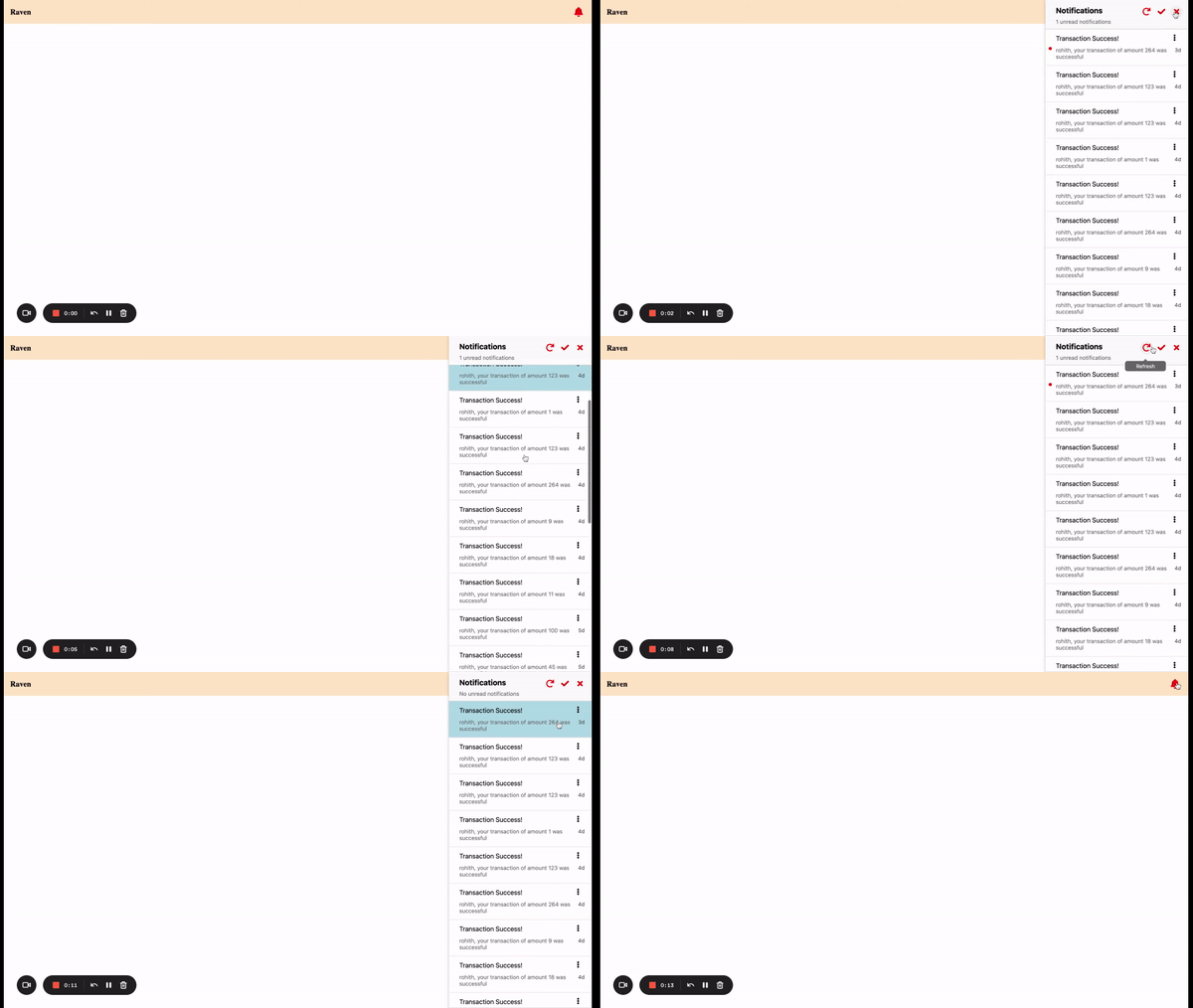
> Raven In-app integration lets you add a notification center in your web or mobile app
 ## Setup
### Step 1. Add Integration
* In the dashboard, Integrations > In-app > Raven, setup the integration by
adding the integration name.
### Step 2. Generate a unique signature for every user
* To allow Raven to fetch the notification details for a user, Raven needs a
unique signature for every user. This can be done by generating a hash of the
userId signed with the Raven API Key.
* Since this signature requires Raven API key, it is highly recommended to
create a backend API that generates the hash and sends to the frontend.
Following example shows how to generate a **HMAC-SHA256** Signature (hash of
your userId signed with your Raven API Key) in Java -
* Add this dependency to `pom.xml` for using **HmacUtils** to generate signature
```md pom.xml theme={null}
commons-codec
commons-codec
1.16
```
```java theme={null}
import org.apache.commons.codec.digest.HmacUtils;
private String hmacSha256Signature(String userId, String apiKey) {
return (new HmacUtils("HmacSHA256", apiKey.getBytes()).hmacHex(userId));
}
```
* You can generate the signature on login and pass to the SDK on initialization.
* For testing purposes, use the free
[HMAC-SHA256 hash generator tool](https://www.devglan.com/online-tools/hmac-sha256-online).
Pass the text as the user identifier and the secret key as your Raven API key.
### Step 3. Add SDK
Add the frontend SDK that shows the notification center. Currently we support
the following SDKs:
* [In-App Angular SDK](in-app/in-app-integrations/in-app-angular-sdk)
### Step 4. Delivery Reports
Setting up Delivery Reports for In-app sent via Raven does not require any
additional step. Raven SDK automatically handles the delivery reports.
## Setup
### Step 1. Add Integration
* In the dashboard, Integrations > In-app > Raven, setup the integration by
adding the integration name.
### Step 2. Generate a unique signature for every user
* To allow Raven to fetch the notification details for a user, Raven needs a
unique signature for every user. This can be done by generating a hash of the
userId signed with the Raven API Key.
* Since this signature requires Raven API key, it is highly recommended to
create a backend API that generates the hash and sends to the frontend.
Following example shows how to generate a **HMAC-SHA256** Signature (hash of
your userId signed with your Raven API Key) in Java -
* Add this dependency to `pom.xml` for using **HmacUtils** to generate signature
```md pom.xml theme={null}
commons-codec
commons-codec
1.16
```
```java theme={null}
import org.apache.commons.codec.digest.HmacUtils;
private String hmacSha256Signature(String userId, String apiKey) {
return (new HmacUtils("HmacSHA256", apiKey.getBytes()).hmacHex(userId));
}
```
* You can generate the signature on login and pass to the SDK on initialization.
* For testing purposes, use the free
[HMAC-SHA256 hash generator tool](https://www.devglan.com/online-tools/hmac-sha256-online).
Pass the text as the user identifier and the secret key as your Raven API key.
### Step 3. Add SDK
Add the frontend SDK that shows the notification center. Currently we support
the following SDKs:
* [In-App Angular SDK](in-app/in-app-integrations/in-app-angular-sdk)
### Step 4. Delivery Reports
Setting up Delivery Reports for In-app sent via Raven does not require any
additional step. Raven SDK automatically handles the delivery reports.